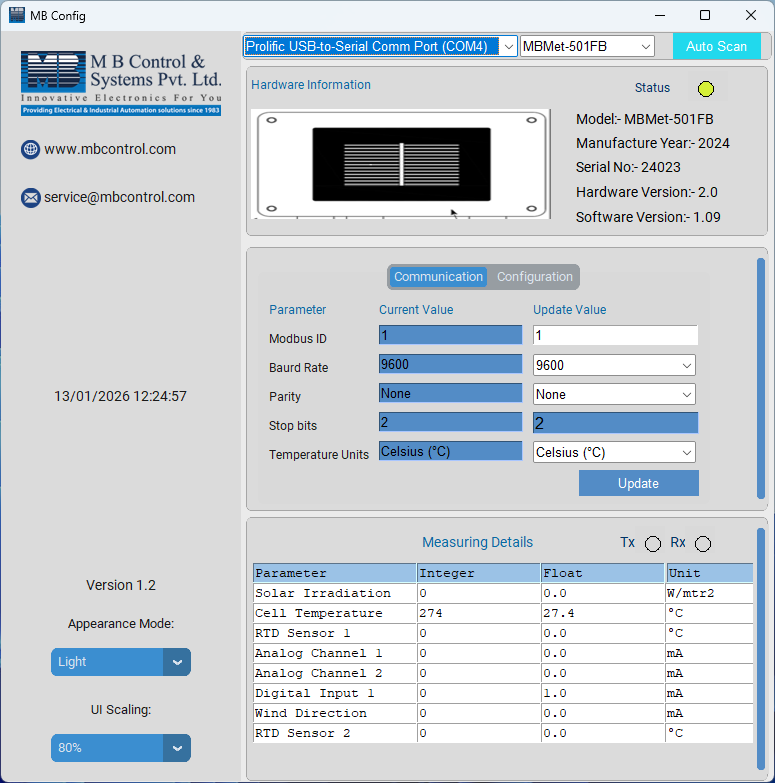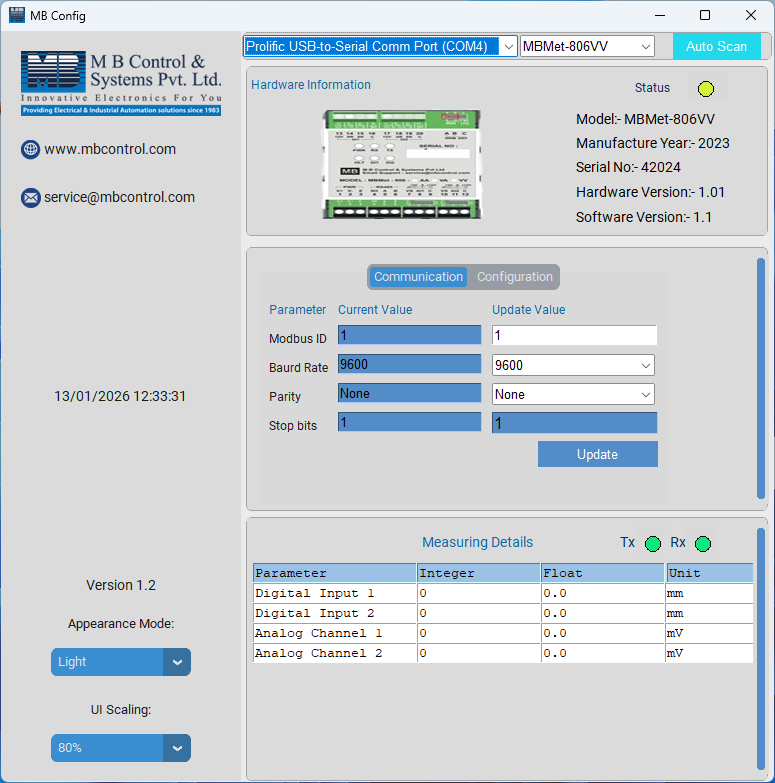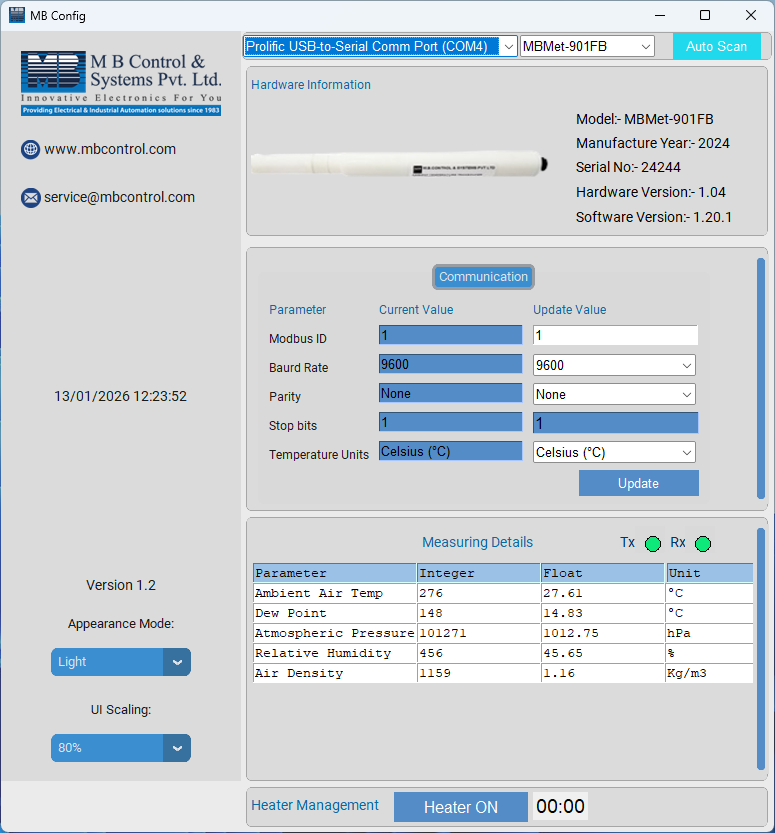


MB Config is a dedicated configuration software designed for the easy setup and management of all MBMet Sensors. This user-friendly tool enables quick configuration, monitoring, and troubleshooting of sensors directly from a laptop or PC. With a simple connection using an RS-485 to USB converter, users can seamlessly connect any MBMet sensor to their computer and access all configuration settings through an intuitive interface.
Built for reliability and convenience, MB Config allows professionals to efficiently configure device parameters, analyze Modbus communication, and monitor sensor performance in real time. Whether used in laboratory environments, industrial installations, or field applications, MB Config ensures smooth sensor setup and reliable operation.
MB Config offers a powerful yet simple set of tools to manage MBMet sensors effectively:
MB Config is designed to simplify the configuration and maintenance of MBMet sensors. Its intuitive interface allows users to quickly set communication parameters, monitor real-time sensor data, and perform troubleshooting without complex setup procedures. This compact yet powerful tool ensures efficient device management, reliable diagnostics, and smooth operation of MBMet sensors in various applications.
Download MB Config for free and install it on your laptop or PC to start configuring and monitoring your MBMet sensors. Connect your sensor using an RS-485 to USB converter, launch the software, and gain instant access to configuration settings, real-time data, and troubleshooting tools to optimize your sensor performance.